Learning games for the whole family
Maths, English, science, history, geography, languages and BSL, plus puzzles and stories, with help and hints all the way. Grown-ups can learn the way schools teach, too, so you can help at home.
Today's puzzles
A few daily puzzles to try today. They change every day.
Your favourites
All games
39 games, grouped by subject. Choose who's playing to see the games that suit them.
Maths
6 games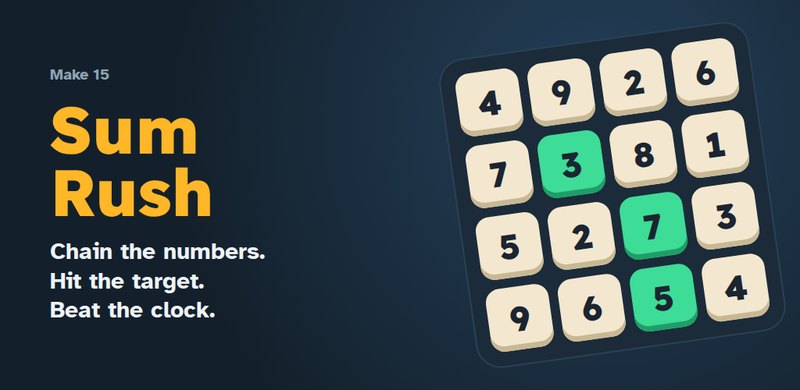 Sum RushDrag through touching number tiles to hit the target. Longer chains score more and win extra time. New daily board every day.
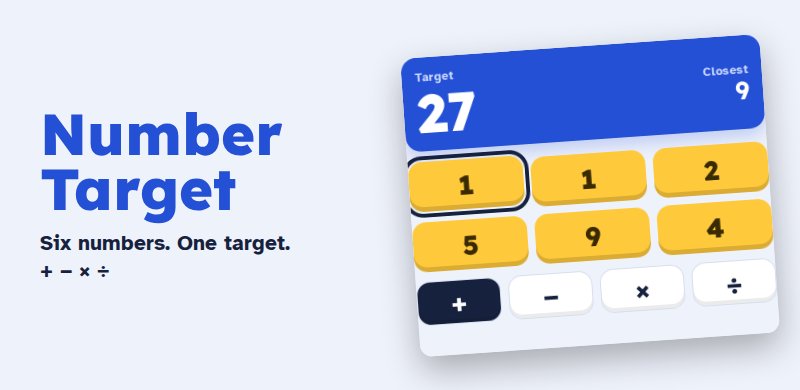 Number TargetUse six numbers and + − × ÷ to hit the target. Five rounds that get harder, with a bonus for speed.
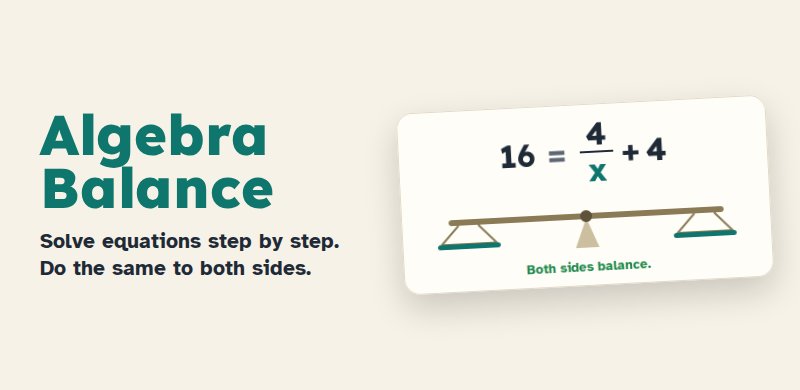 Algebra BalanceLearn to solve equations step by step by keeping both sides balanced. Lessons, hints and worked examples, plus help with your own homework questions.
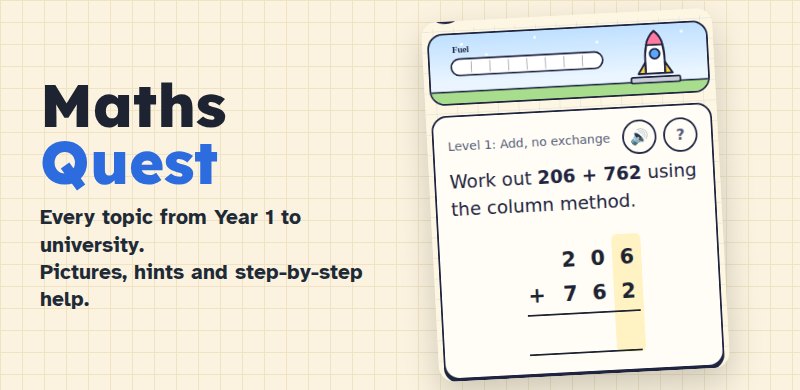 Maths QuestEvery maths topic from Year 1 to university, taught the way UK schools teach it. Picture explanations, hints that get more helpful, worked steps and fun rounds that earn collectable creatures.
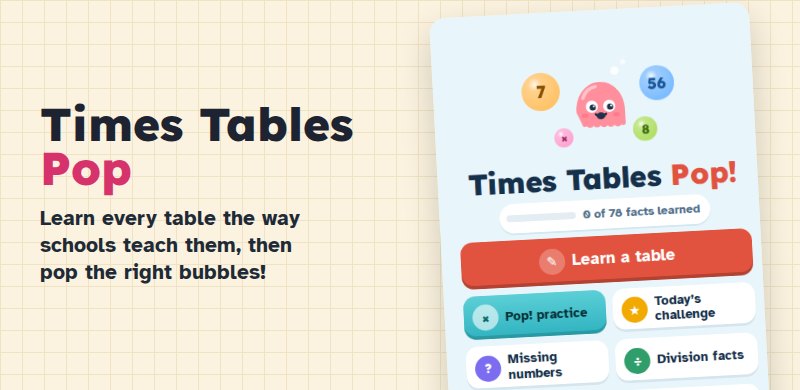 Times Tables PopLearn every times table in the order schools teach them, with counting jumps, dot arrays and a trick for each table. Then pop the right bubbles and fill your times square with colour.
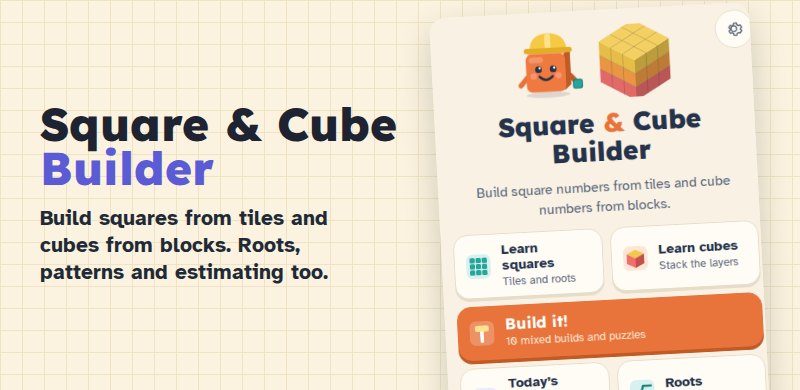 Square & Cube BuilderBuild square numbers from tiles and cube numbers from blocks in 3D. Watch squares grow, find roots and estimate, from Year 5 to GCSE.
English
7 games Letter LockFind the hidden word in five tries with the first letter given, then crack long Puzzlewords as they reveal themselves. Three rounds and a new daily puzzle every day.
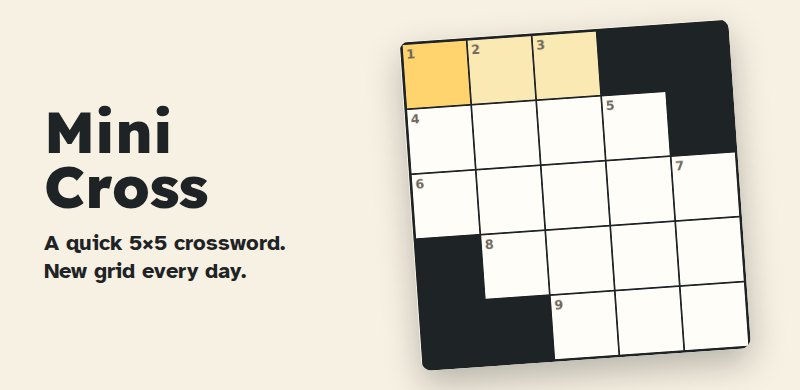 Mini CrossA quick 5x5 crossword with a new grid every day. Faster solves score more.
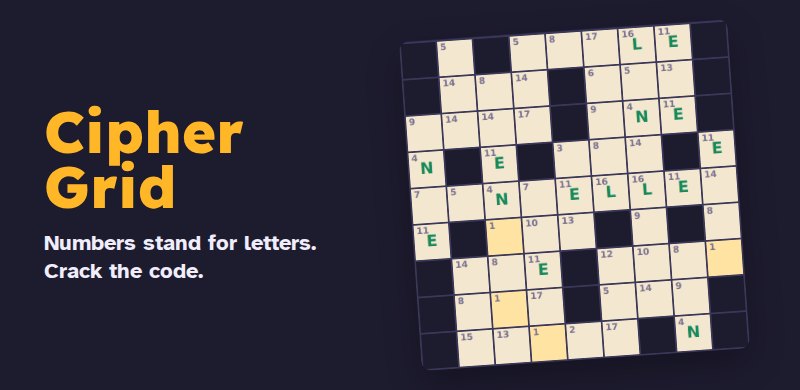 Cipher GridEvery number stands for a letter. Start from three given letters and crack the whole code.
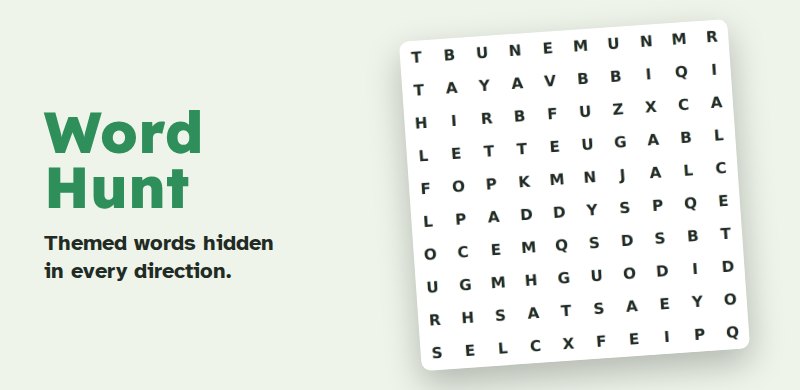 Word HuntThemed words hidden across, down, diagonally and backwards. A new theme every day.
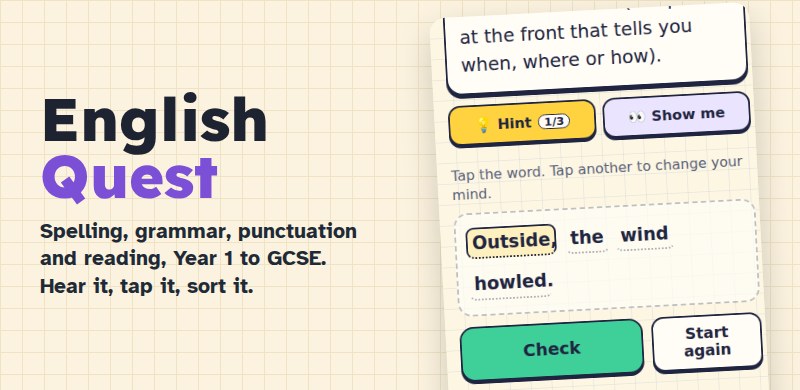 English QuestSpelling, grammar, punctuation, vocabulary and reading, from Year 1 to GCSE, with a Challenge for grown-ups. Hear spelling words read aloud, tap the words in real sentences, sort and order, with hints and worked answers. Follows the National Curriculum, including the official spelling lists.
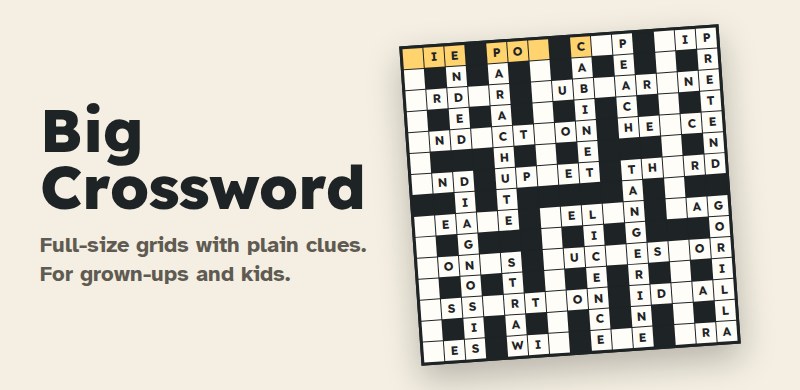 Big CrosswordFull-size crosswords with plain clues: 15x15 grids for grown-ups and smaller grids for children. Check a letter or a word, reveal when stuck, pencil in guesses and look up the meaning of every answer.
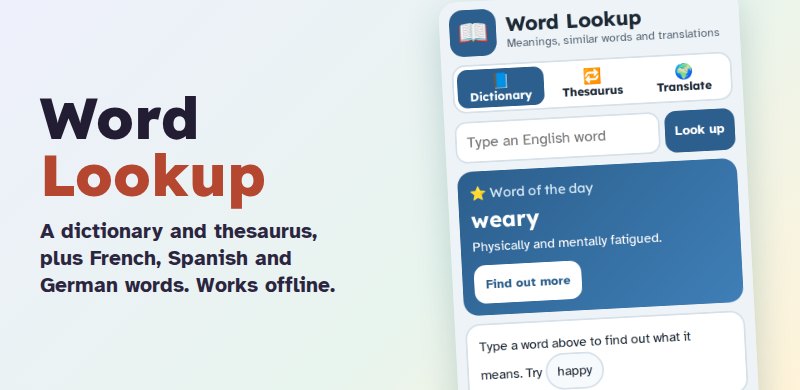 Word LookupAn English dictionary and thesaurus with read-aloud, plus French, Spanish and German word translations. Works offline; nothing you type leaves your device.
Science
2 games Science QuestBiology, chemistry, physics and earth science from Year 1 to university. Label diagrams, sort materials, put processes in order and try virtual versions of the GCSE and A level practicals, with hints and worked steps all the way.
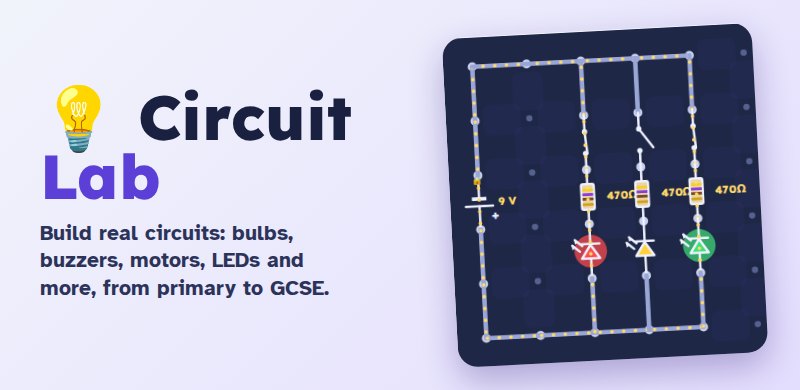 Circuit LabBuild real circuits on a snap-together board: light bulbs, sound buzzers and spin motors. Learn how switches, resistors, LEDs, sensors, fuses and capacitors work. 23 challenges from primary school to GCSE, free play, a parts guide and an electricity quiz.
History, geography & RE
4 games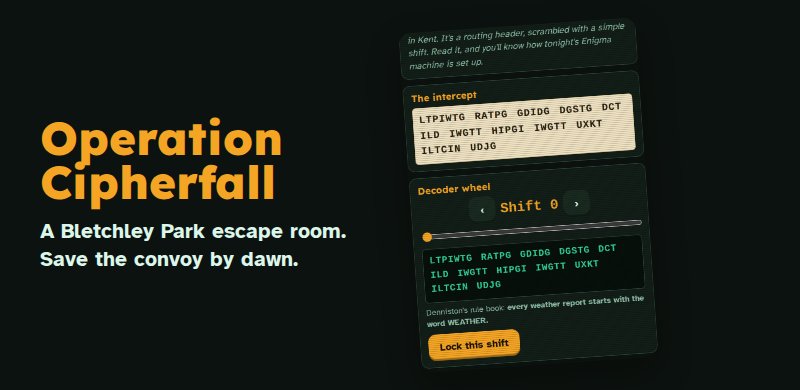 Operation CipherfallA Bletchley Park escape room. Break the intercept, set the Enigma, find the wolfpack and warn the Admiralty before dawn.
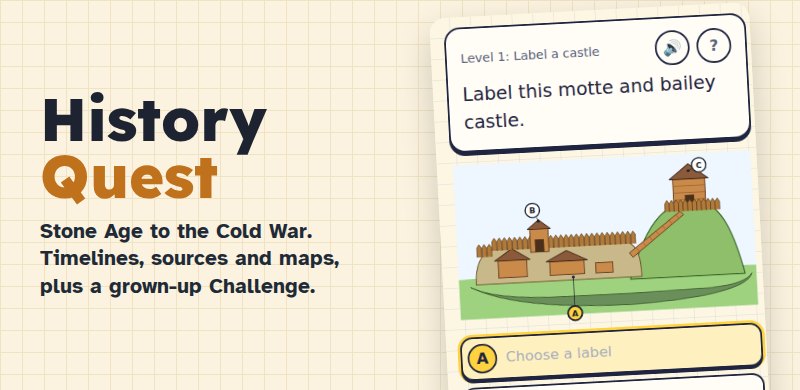 History QuestFrom the Stone Age to the Cold War: timelines to put in order, sources to weigh up, maps to tap and family trees to fill in. Follows the UK curriculum from Year 1 to A level, with a Challenge level for grown-ups and quiz fans.
 Geography QuestTap countries on real maps, read Ordnance Survey grid references, climate graphs and river profiles. Follows the UK curriculum from Year 1 to A level, with a Challenge level of capitals, flags and world records.
 RE QuestReligious education from Year 1 to GCSE. Learn about Christianity, Islam, Judaism, Hinduism, Sikhism, Buddhism and non-religious worldviews such as Humanism: beliefs, festivals, holy books, places of worship and the big questions. Balanced and respectful, with hints, worked answers and GCSE practice for AQA Religious Studies A.
Languages
4 games BSL Sign StarterA free first step into British Sign Language. Learn to fingerspell A to Z (right- or left-handed), read words as they are spelled, spell your name and take quizzes on Deaf awareness, Deaf culture, how BSL works and its history. Word lists link to real signers on free BSL dictionaries, and the guides point to Deaf-led courses.
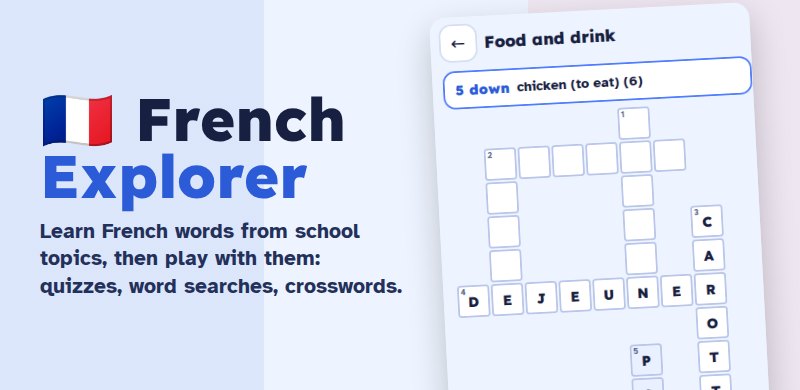 French ExplorerLearn French words from school topics, from Year 3 to GCSE: flip cards with spoken French, quizzes, spelling with accents, listening, word searches, crosswords and grammar. Words you find tricky come back more often.
 Spanish ExplorerLearn Spanish words from school topics, from Year 3 to GCSE: flip cards with spoken Spanish, quizzes, el or la questions, spelling with accents, listening, word searches, crosswords and grammar. Words you find tricky come back more often.
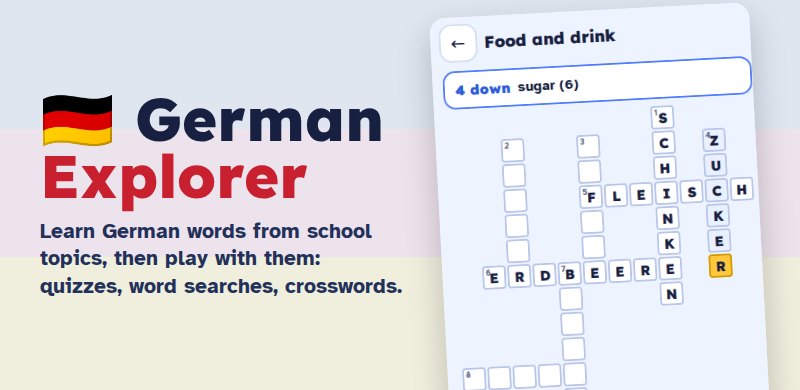 German ExplorerLearn German words from school topics, from Year 3 to GCSE: flip cards with spoken German, quizzes, der, die or das questions, spelling with umlauts, listening, word searches, crosswords and grammar. Words you find tricky come back more often.
Computing
2 games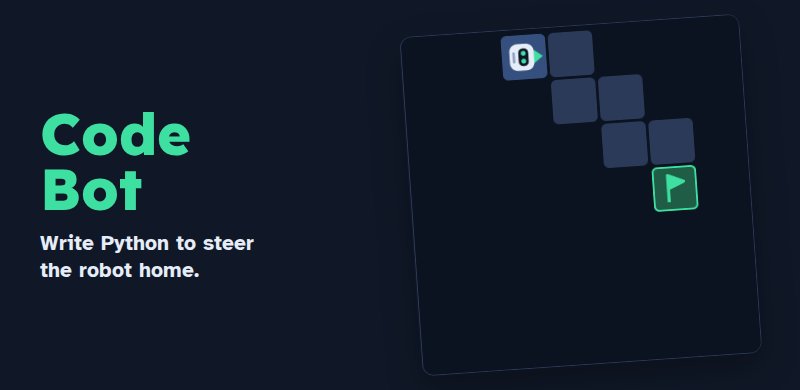 Code BotWrite short Python programs to steer a robot to the green square. Learn loops, then loops inside loops. Five new levels every day.
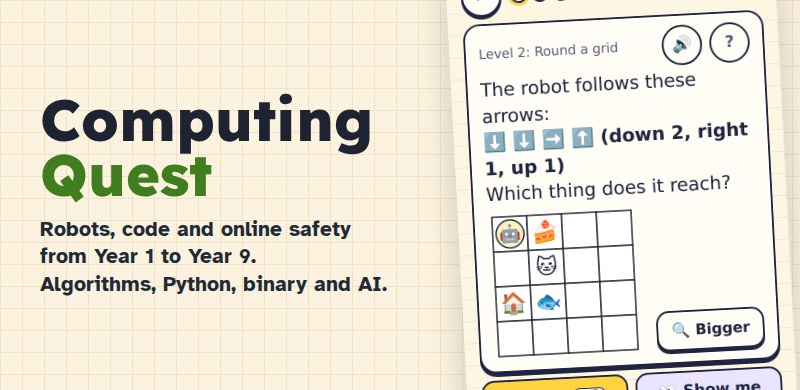 Computing QuestComputing from Year 1 to Year 9: algorithms and debugging, programming (blocks, then reading Python), data and binary, networks and the internet, how AI works and staying safe online. Robot grids, logic gates and code to trace, with hints and worked answers. Follows the National Curriculum for computing.
Money & citizenship
1 gamePuzzles
15 games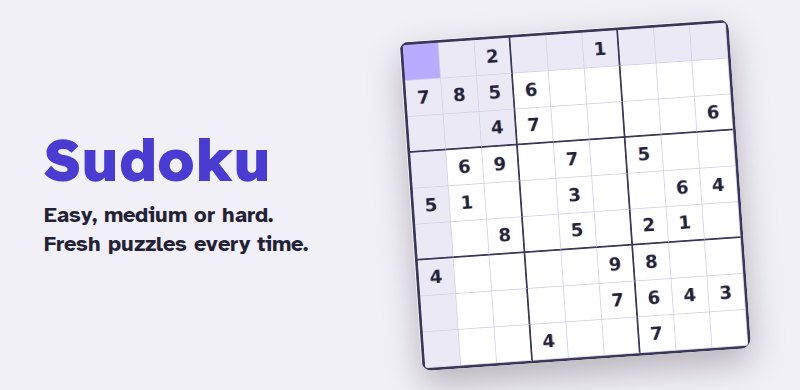 SudokuClassic Sudoku in gentle, medium and tricky levels, with notes, undo and hints. Daily puzzle too.
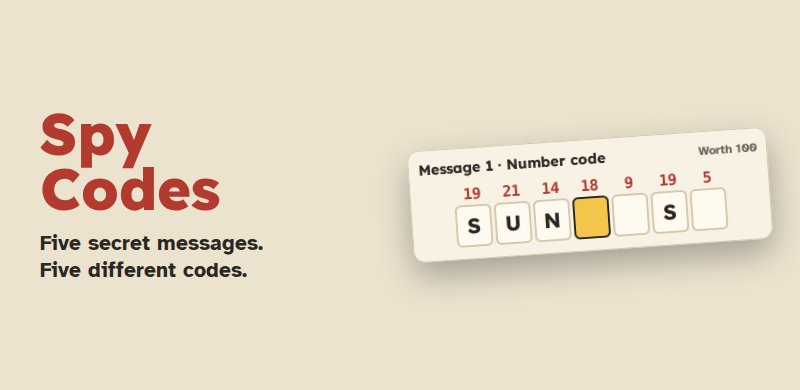 Spy CodesFive secret messages in five codes: numbers, Morse, mirror, pigpen and shift. Crack each one with the codebook. New mission every day.
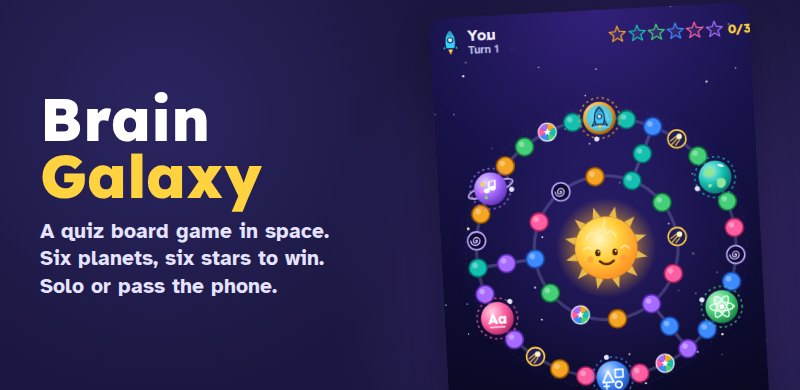 Brain GalaxyA quiz board game in space. Fly your rocket round the galaxy and win a star from each of six planets: History, Geography, Science, Maths, Words and Arts. Play solo, pass the phone round the family (everyone gets questions for their own age) or try the Daily Galaxy.
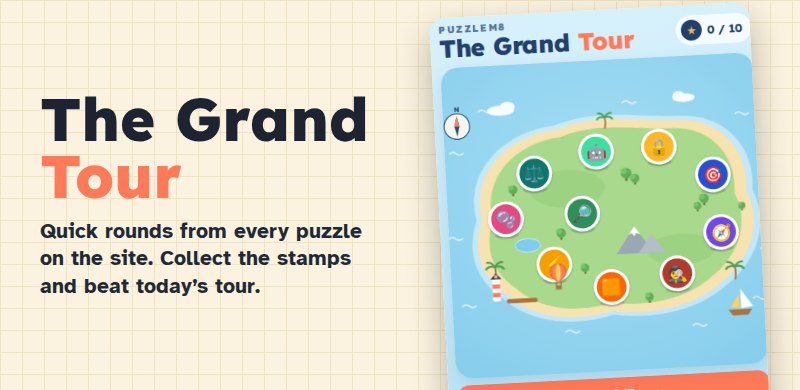 The PuzzleM8 Grand TourOne big challenge made of quick rounds from ten PuzzleM8 games: Sum Rush, Number Target, Letter Lock, Spy Codes, Code Bot, Algebra Balance, Word Hunt, Times Tables Pop, Square & Cube Builder and a Quest quiz. Collect passport stamps and beat today's tour.
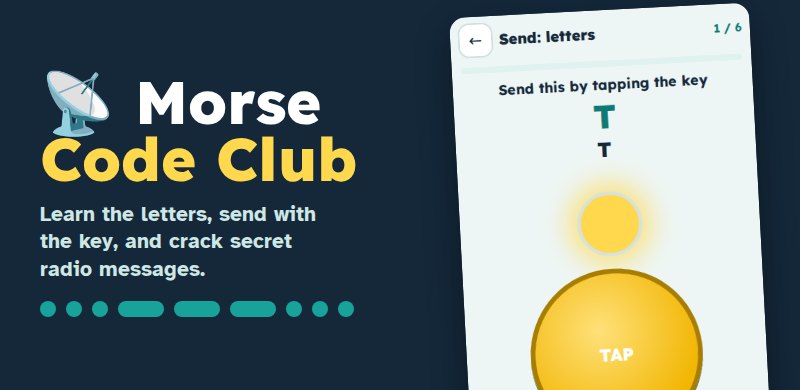 Morse Code ClubLearn Morse code a few letters at a time. Receive messages by sound, flashing lamp or vibration, then send them by tapping a big key. Decode the Coastline Radio Club missions, write in dots and dashes and play the daily challenge.
- Sum RushDrag through touching number tiles to hit the target. Longer chains score more and win extra time. New daily board every day.
- Letter LockFind the hidden word in five tries with the first letter given, then crack long Puzzlewords as they reveal themselves. Three rounds and a new daily puzzle every day.
- Mini CrossA quick 5x5 crossword with a new grid every day. Faster solves score more.
- Cipher GridEvery number stands for a letter. Start from three given letters and crack the whole code.
- Word HuntThemed words hidden across, down, diagonally and backwards. A new theme every day.
- Number TargetUse six numbers and + − × ÷ to hit the target. Five rounds that get harder, with a bonus for speed.
- Code BotWrite short Python programs to steer a robot to the green square. Learn loops, then loops inside loops. Five new levels every day.
- Operation CipherfallA Bletchley Park escape room. Break the intercept, set the Enigma, find the wolfpack and warn the Admiralty before dawn.
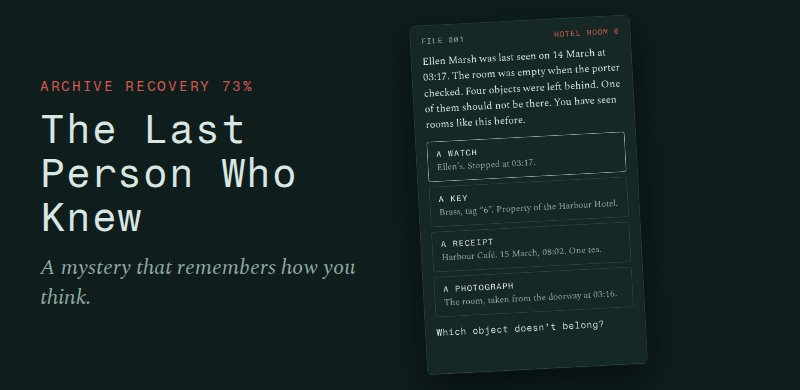 The Last Person Who KnewA ten-chapter mystery that remembers how you think. Ellen Marsh vanished from Room 6. Rebuild what happened, and find out what you had to do with it. Your progress saves as you go.
- Big CrosswordFull-size crosswords with plain clues: 15x15 grids for grown-ups and smaller grids for children. Check a letter or a word, reveal when stuck, pencil in guesses and look up the meaning of every answer.
Stories & adventures
3 games- The Last Person Who KnewA ten-chapter mystery that remembers how you think. Ellen Marsh vanished from Room 6. Rebuild what happened, and find out what you had to do with it. Your progress saves as you go.
 Story QuestRead exciting stories and solve a puzzle at the end of each chapter to carry on. Make choices, crack codes, fix circuits and send Morse. With read-aloud, tap-to-explain words and bigger text for easier reading. Four stories: The Lighthouse on the Lizard, Far From Home (a wartime evacuee adventure), Pirates of the Lizard and Pepper's Forever Home.
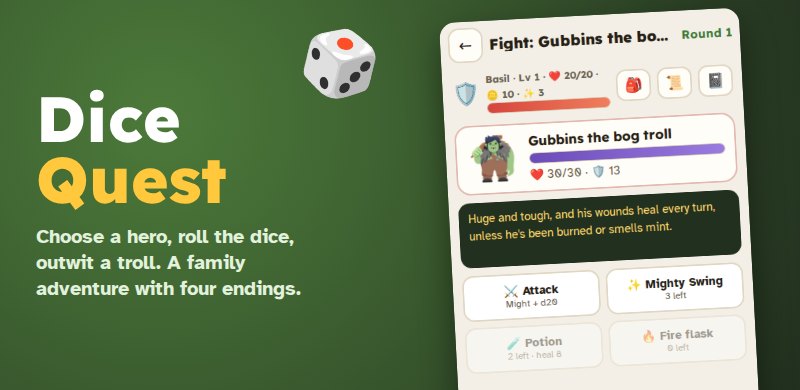 Dice QuestA family-friendly dice adventure inspired by tabletop role-playing games. Choose a Knight, Wizard, Rogue or Healer. Roll the dice to explore, talk and fight, follow the clues in any order and find out who really stole the Golden Acorn of Mossbrook. Four different endings.
Help & wellbeing
2 games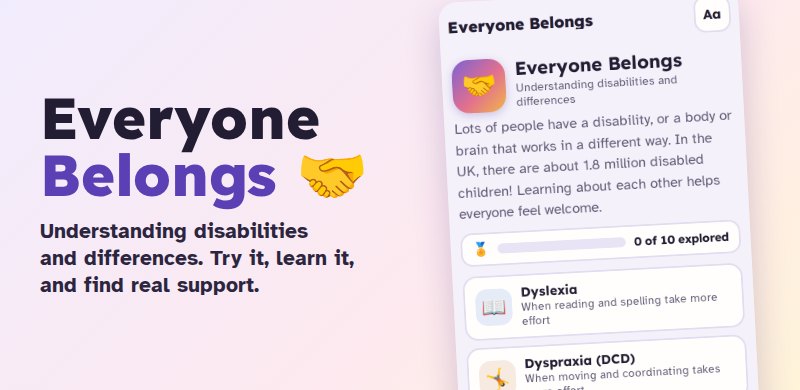 Everyone BelongsA friendly guide to understanding disabilities and differences: dyslexia, dyspraxia, ADHD, autism, sight loss, deafness, physical and learning disabilities, mental health, epilepsy and diabetes. Try-it activities, myth-or-fact quizzes, first aid for friends and real UK support for children and carers.
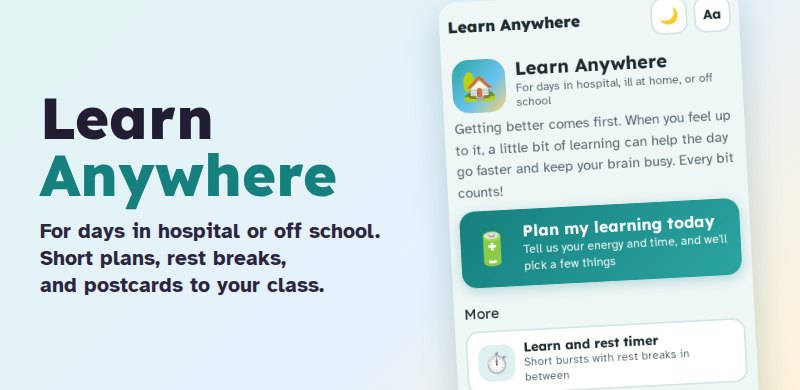 Learn AnywhereFor children in hospital, ill at home or off school. Check in with your energy and time, and get a short learning plan with rest breaks, made from PuzzleM8 games. Plus a learn-and-rest timer, a learning diary, help for parents and a postcard maker to stay in touch with your class.
Tests and exams
2 games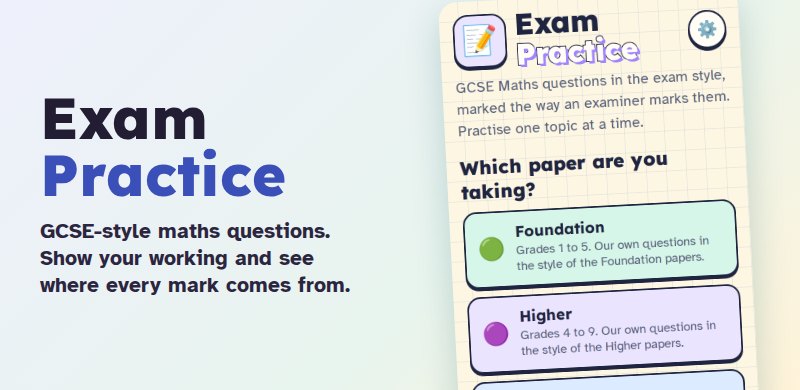 Exam PracticeGCSE-style questions written for PuzzleM8: Maths and Combined Science marked mark by mark (method, accuracy, follow-through and units), plus self-marked written answers for English, History, Geography and Science 6-mark questions. Foundation and Higher, with hints, worked answers and examiner-style tips.
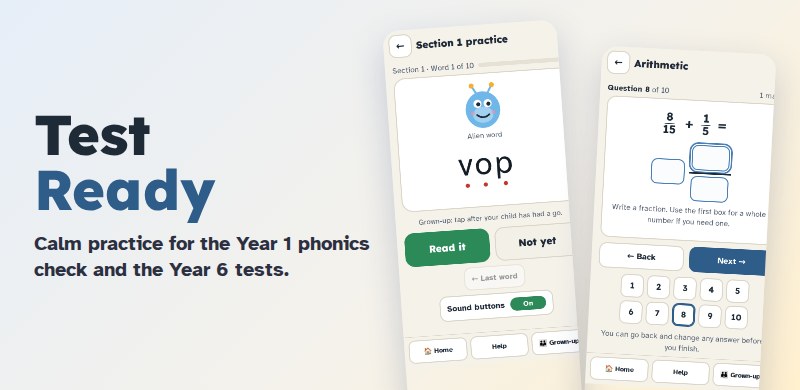 Test ReadyCalm practice for the primary checks: the Year 1 phonics check (a grown-up listens and marks, with real and alien words) and short Year 6 SATs-style papers in arithmetic, reading and grammar. Our own questions, with worked answers, what to practise next and a guide for grown-ups.
No games for that age yet. Choose Everyone to see them all.
All 39 games from A to Z
- Algebra BalanceMaths, ages 10 and over
- Big CrosswordEnglish, ages 7 and over
- Brain GalaxyPuzzles, ages 7 and over
- BSL Sign StarterLanguages, ages 5 and over
- Cipher GridEnglish, ages 9 and over
- Circuit LabScience, ages 7 to 16
- Code BotComputing, ages 8 and over
- Computing QuestComputing, ages 5 to 14
- Dice QuestStories & adventures, ages 8 to 14
- English QuestEnglish, ages 5 and over
- Everyone BelongsHelp & wellbeing, ages 7 to 16
- Exam PracticeTests and exams, ages 13 and over
- French ExplorerLanguages, ages 7 and over
- Geography QuestHistory, geography & RE, ages 5 and over
- German ExplorerLanguages, ages 7 and over
- History QuestHistory, geography & RE, ages 5 and over
- How School Teaches ItFor grown-ups, ages 5 to 16
- The Last Person Who KnewStories & adventures, ages 13 and over
- Learn AnywhereHelp & wellbeing, ages 5 to 16
- Letter LockEnglish, ages 7 and over
- Maths QuestMaths, ages 5 and over
- Mini CrossEnglish, ages 7 and over
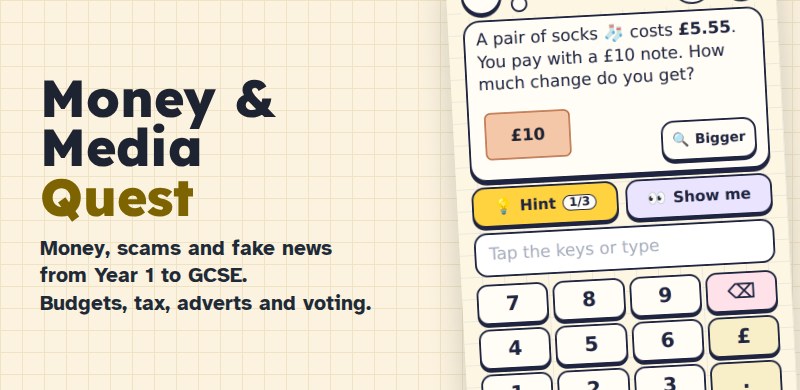
- Money & Media QuestMoney & citizenship, ages 5 to 16
- Morse Code ClubPuzzles, ages 7 and over
- Number TargetMaths, ages 7 and over
- Operation CipherfallHistory, geography & RE, ages 11 and over
- The PuzzleM8 Grand TourPuzzles, ages 7 and over
- RE QuestHistory, geography & RE, ages 5 to 16
- Science QuestScience, ages 5 and over
- Spanish ExplorerLanguages, ages 7 and over
- Spy CodesPuzzles, ages 7 and over
- Square & Cube BuilderMaths, ages 9 to 16
- Story QuestStories & adventures, ages 7 to 12
- SudokuPuzzles, ages 8 and over
- Sum RushMaths, ages 7 and over
- Test ReadyTests and exams, ages 5 to 11
- Times Tables PopMaths, ages 6 to 12
- Word HuntEnglish, ages 6 and over
- Word LookupEnglish, ages 7 and over
For grown-ups
Help at home the way school teaches, and see how your children are getting on.
- How School Teaches ItShort guides to the methods children learn at school now, from number bonds to phonics.
- Test ReadyCalm practice for the Year 1 phonics check and Year 6 SATs, with a guide for grown-ups.
- Stuck on homework?Type the topic and go straight to a lesson with help and hints.
- Family profiles and reportsAdd a profile for each child and see what they've practised each week.
- Privacy and safetyWhat we keep, what we never collect and how to remove it.
How it works for families
- Pick a gameNo download and no account needed. Every game has a How to play guide and plenty of hints.
- Add your childrenA grown-up creates a free family account, then adds a profile for each child with their age. Children don't need an email address.
- See how they're getting onEach child keeps their own levels and stars. You get a simple report of what they practised.
- School subjects, following the UK curriculum
- A profile for each child, and progress reports for grown-ups
- Safe for children: no adverts and no chat
Everything is free: every game and every level, plus family profiles and progress reports.
Set up your family
One free account for a grown-up, with a profile for each child. Their progress is saved, and you can see what they've practised.